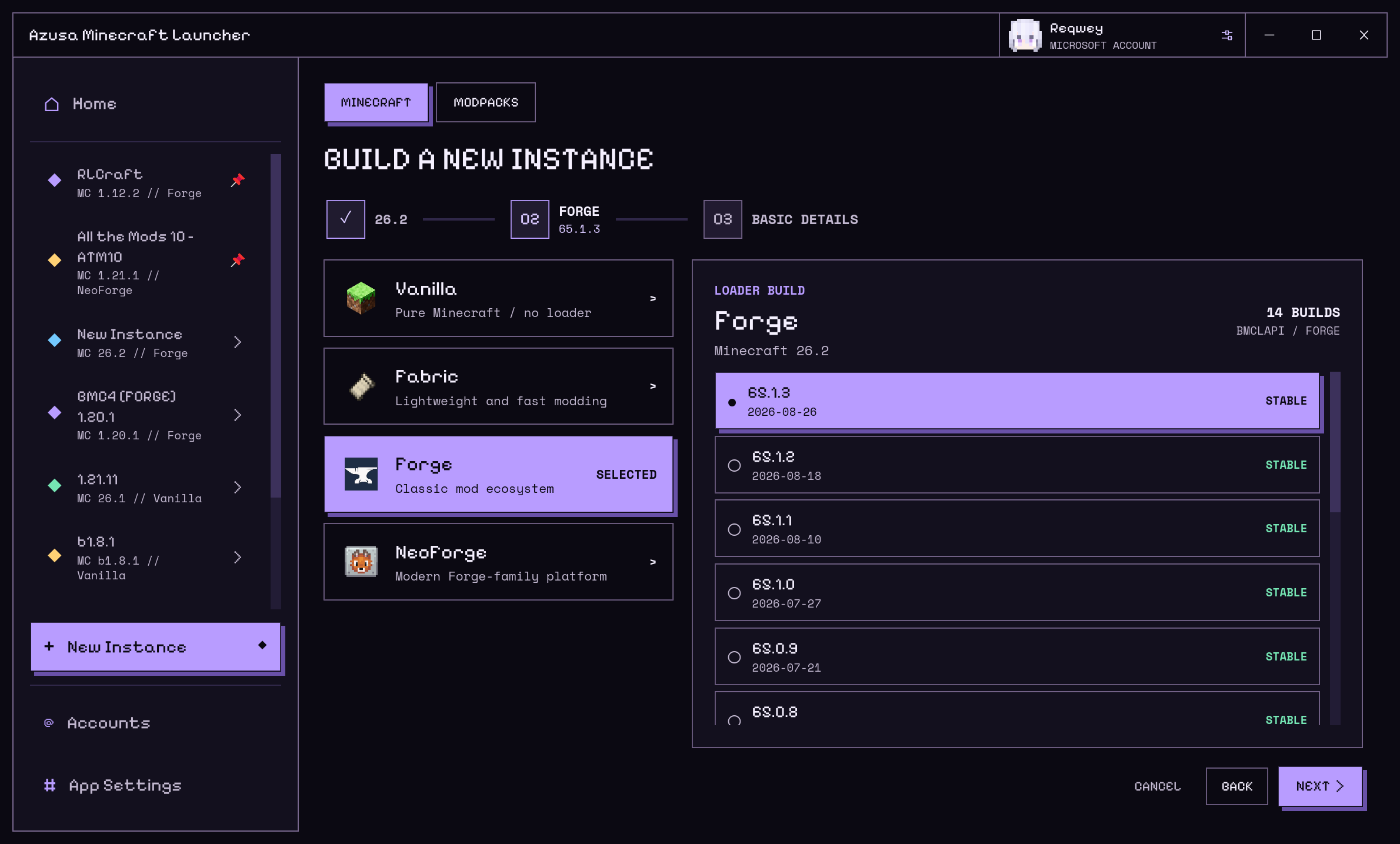
01 /CREATE YOUR INSTANCE
Your version. Your way to play.
Start with vanilla or add your favorite mod loader. Choose a Minecraft version, a compatible loader, and a name to create an isolated instance.
 AZULCAzusa Minecraft LauncherGet the launcher ↓
AZULC is a native Minecraft launcher built in Rust.
Install, manage, and launch, from vanilla to modpacks.
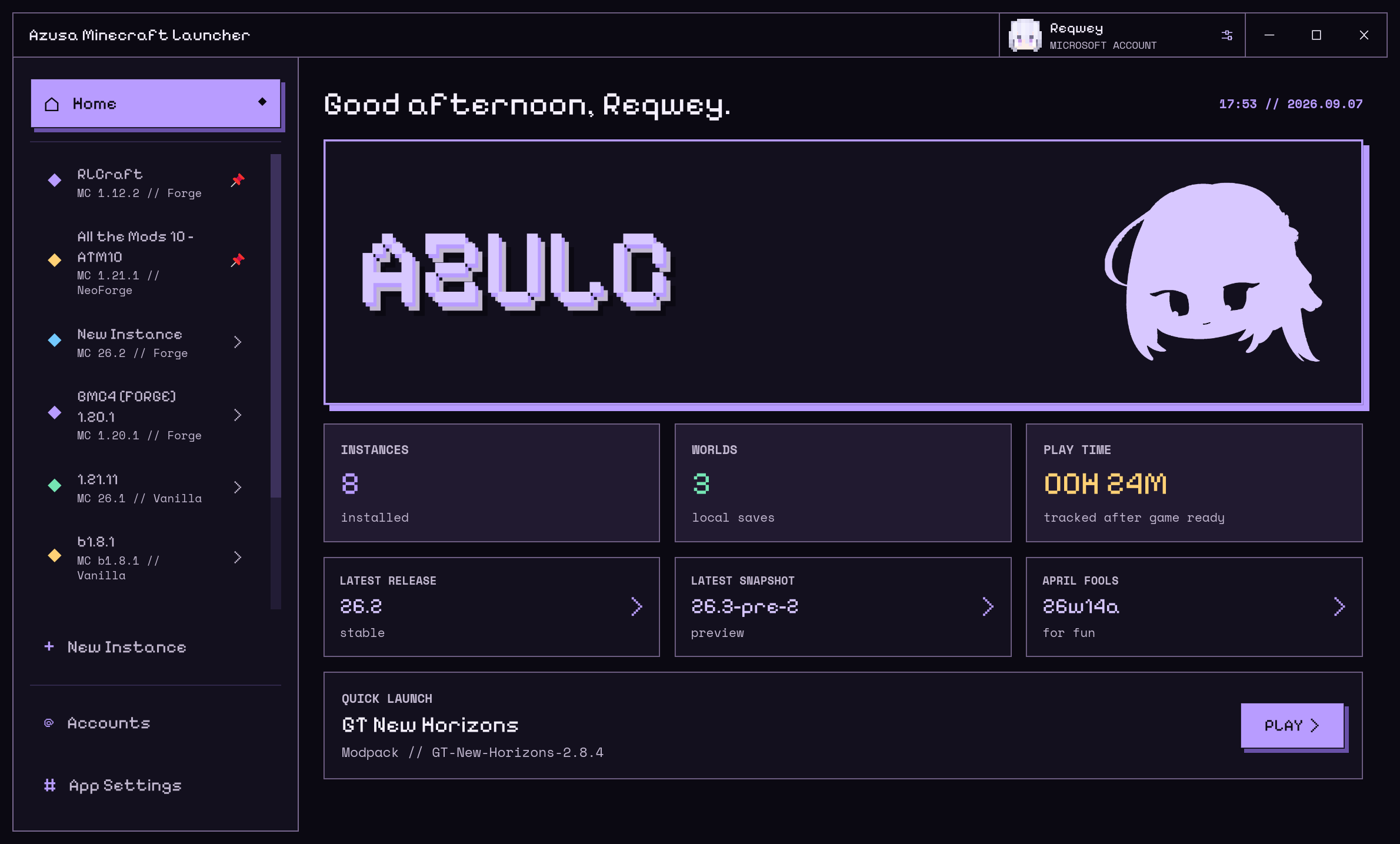
Everything you use, right where you need it.
Start with vanilla or add your favorite mod loader. Choose a Minecraft version, a compatible loader, and a name to create an isolated instance.
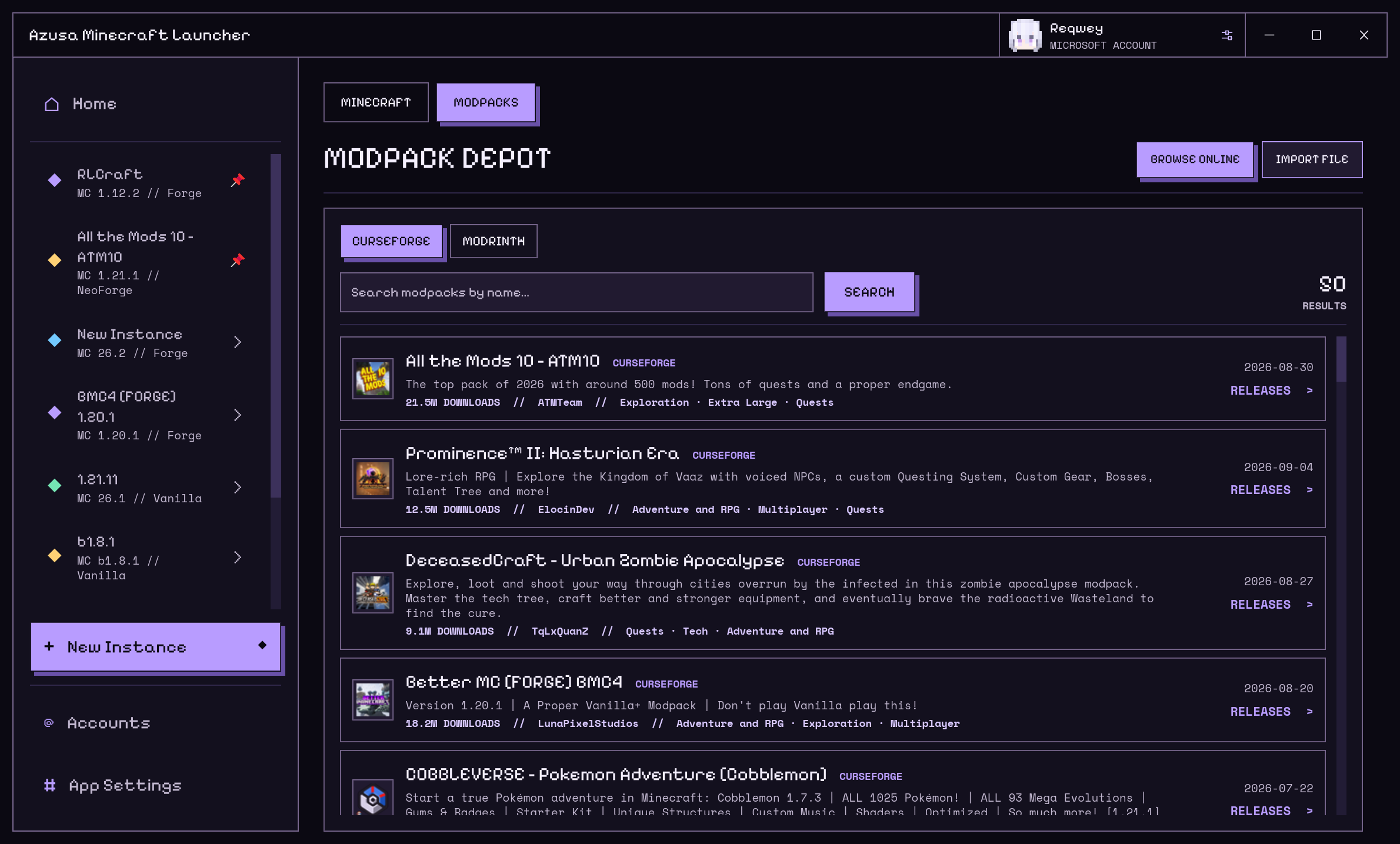
Browse CurseForge and Modrinth without leaving the launcher. Pick a modpack and a release, or import a local CurseForge, Modrinth, or MultiMC / Prism archive.
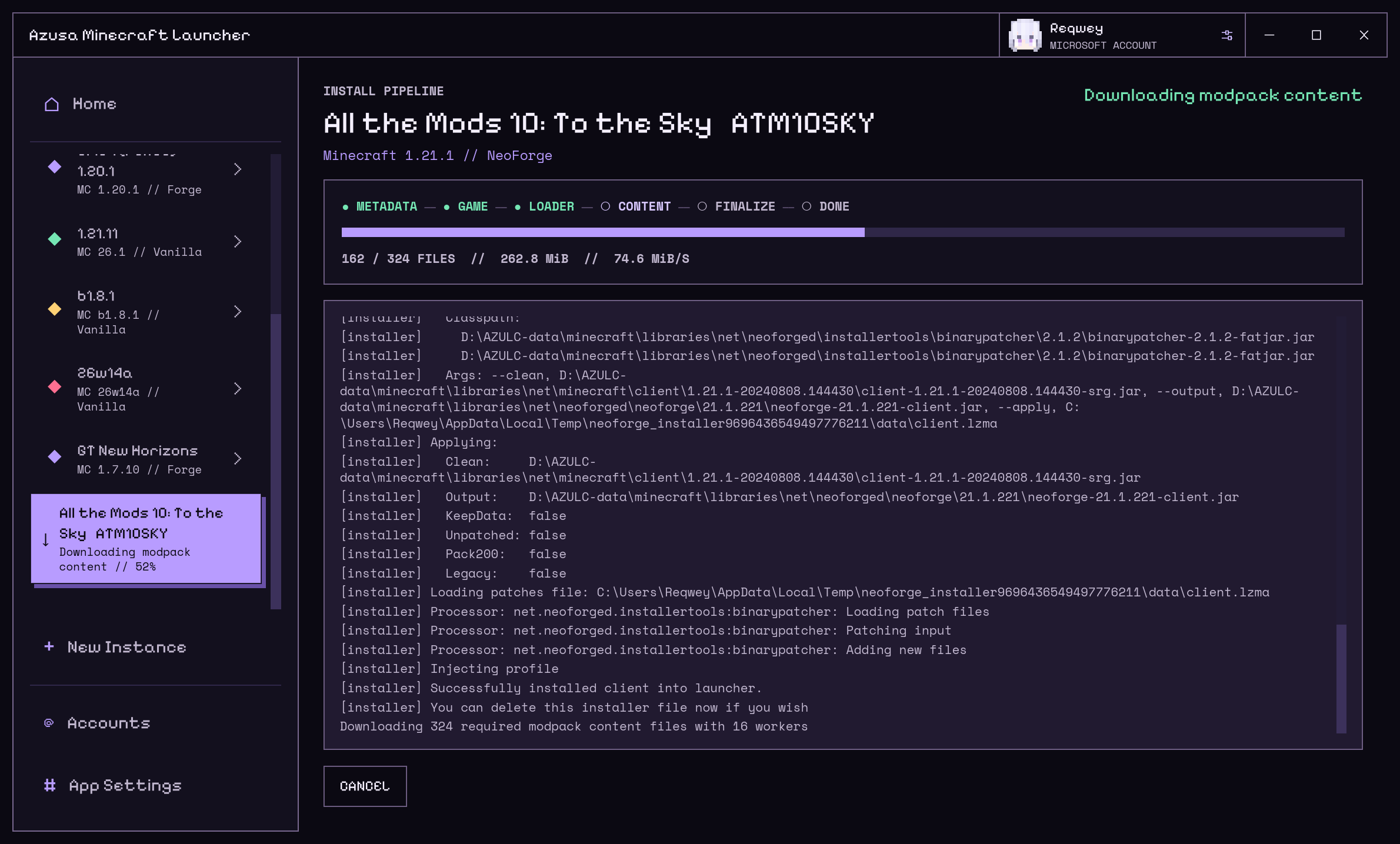
Follow the game, loader, and modpack content through one installation pipeline. See file counts, transfer speeds, and live logs. Cancel when needed; retry with verified files already in place.
Keep worlds, mods, resource packs, and screenshots organized by instance. Download mods, shaders, and data packs with their required dependencies, keeping each setup separate.
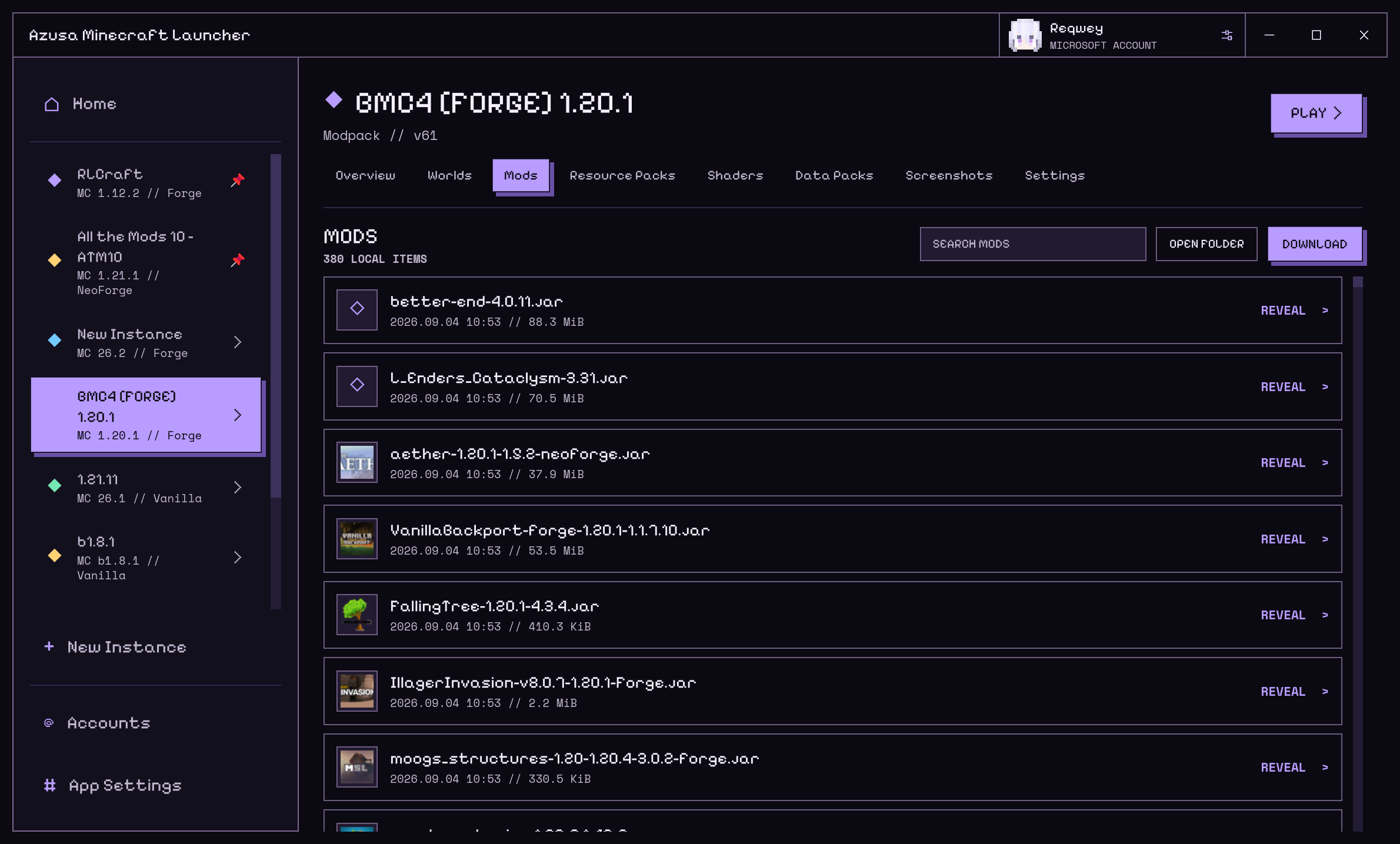
Discover Java automatically or choose a runtime for each instance. Monitor concurrent launches independently, with game readiness, live logs, and failure details in view.
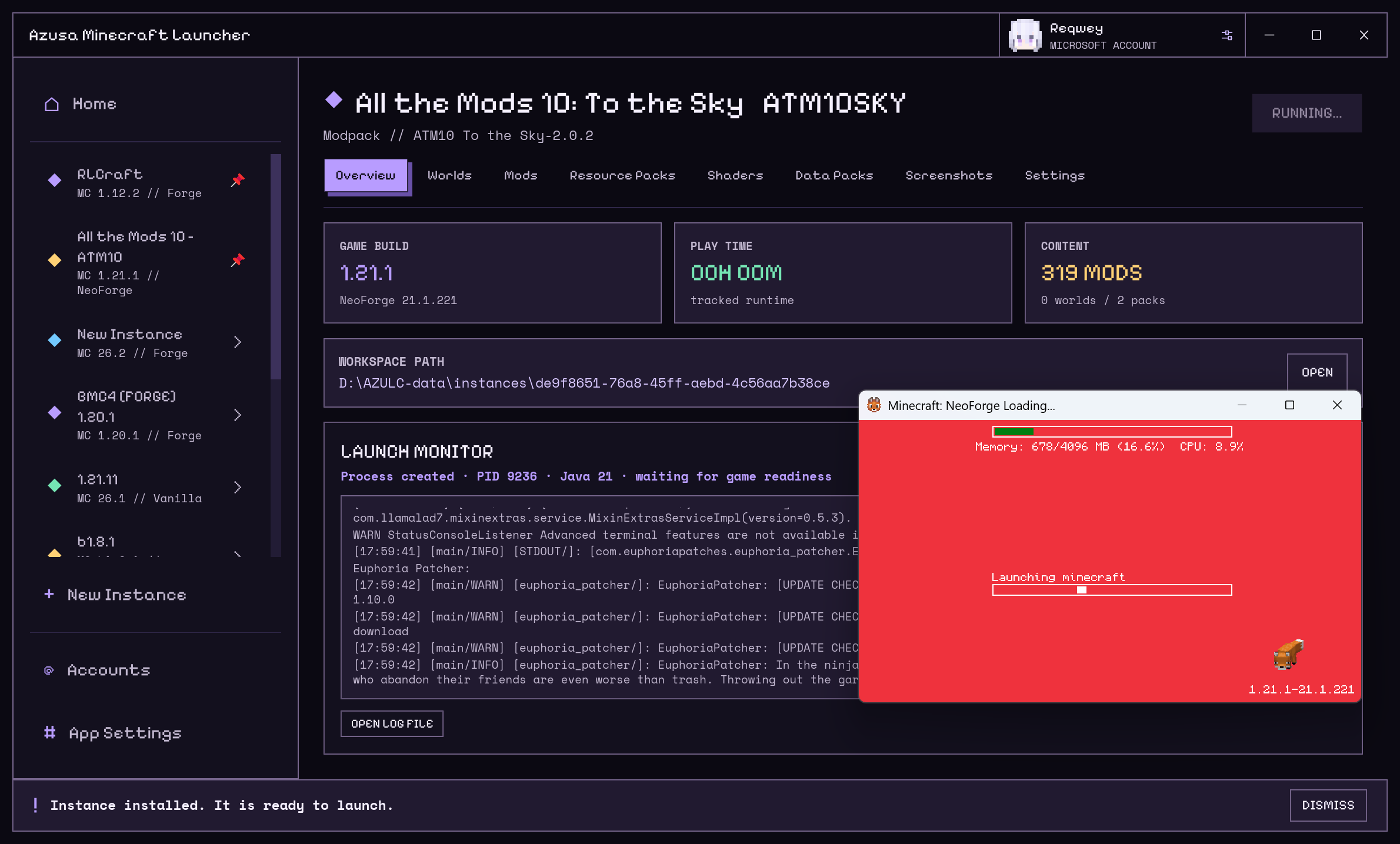
Sign in with a Microsoft device code and manage multiple Microsoft accounts.
Browse releases, snapshots, legacy versions, and April Fools builds.
Configure official and mirror download routes, with parallel transfers for the files you need.
Built with Rust and Iced, AZULC separates the UI, application state, and services to keep every install and launch step observable.
AZULC is open source under GPL-3.0-or-later. Explore the code, report an issue, or contribute to the project.
Explore the project on GitHub ↗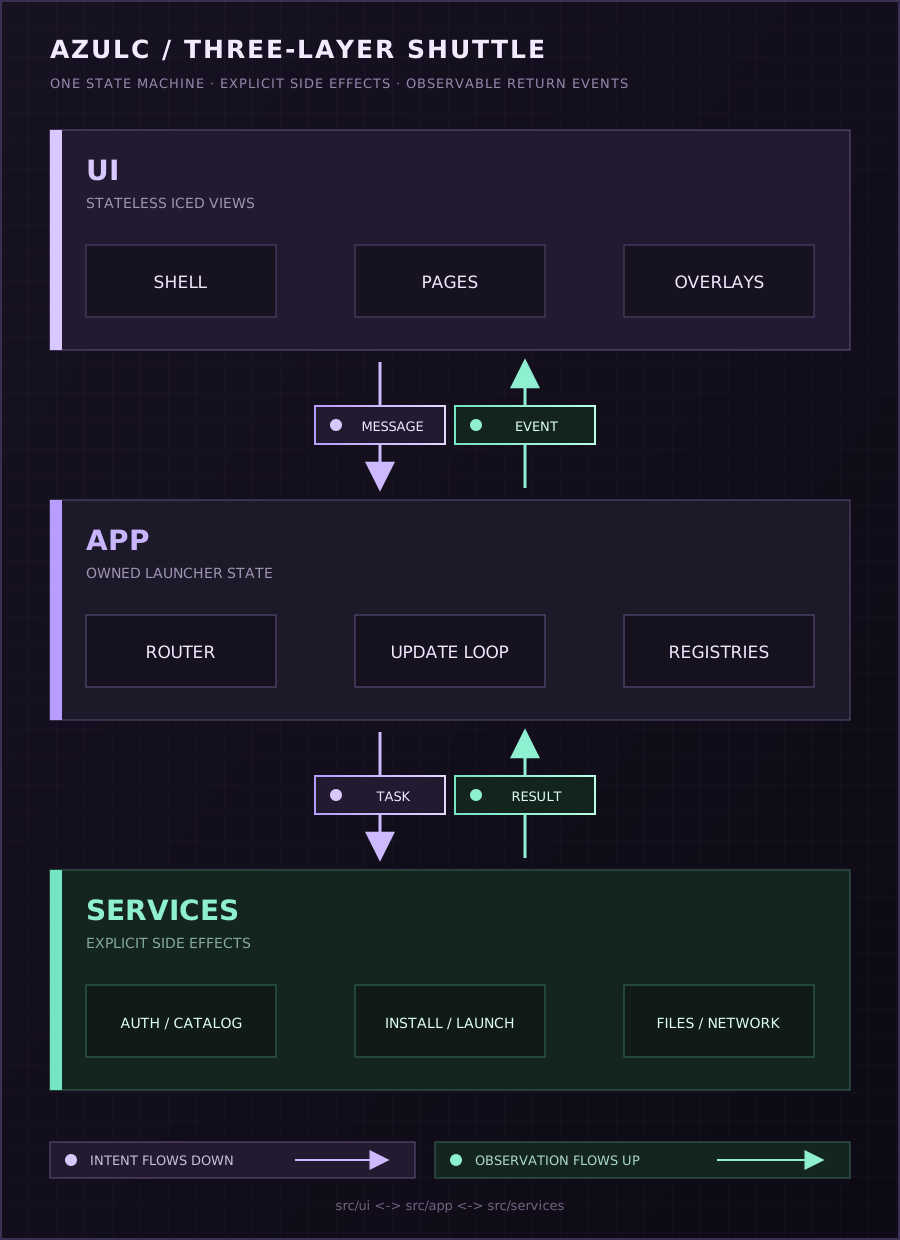
Download v0.1.2 for your device. Release notes ↗
Packages are unsigned. See the release notes for instructions and checksums.
Downloads for other platforms ↗Read the build instructions ↗